Four Easy Mods That Dramatically Improve Keyboard Feel and Sound
A practical modding primer lays out four straightforward upgrades that deliver large, tangible improvements in typing feel and acoustic character without advanced skills. These changes — swapping keycaps, changing switches on hot-swap boards, upgrading cables, and adding dampening — are accessible, affordable, and immediately useful for anyone wanting a better desk setup.
Mechanical keyboards are an ideal platform for personalization, and four approachable mods offer the biggest payoff for the least risk. Start with the low-risk options and work up to techniques that require tools or soldering skills. Each step alters both tactile feedback and acoustics in ways you will notice from the first keystroke.
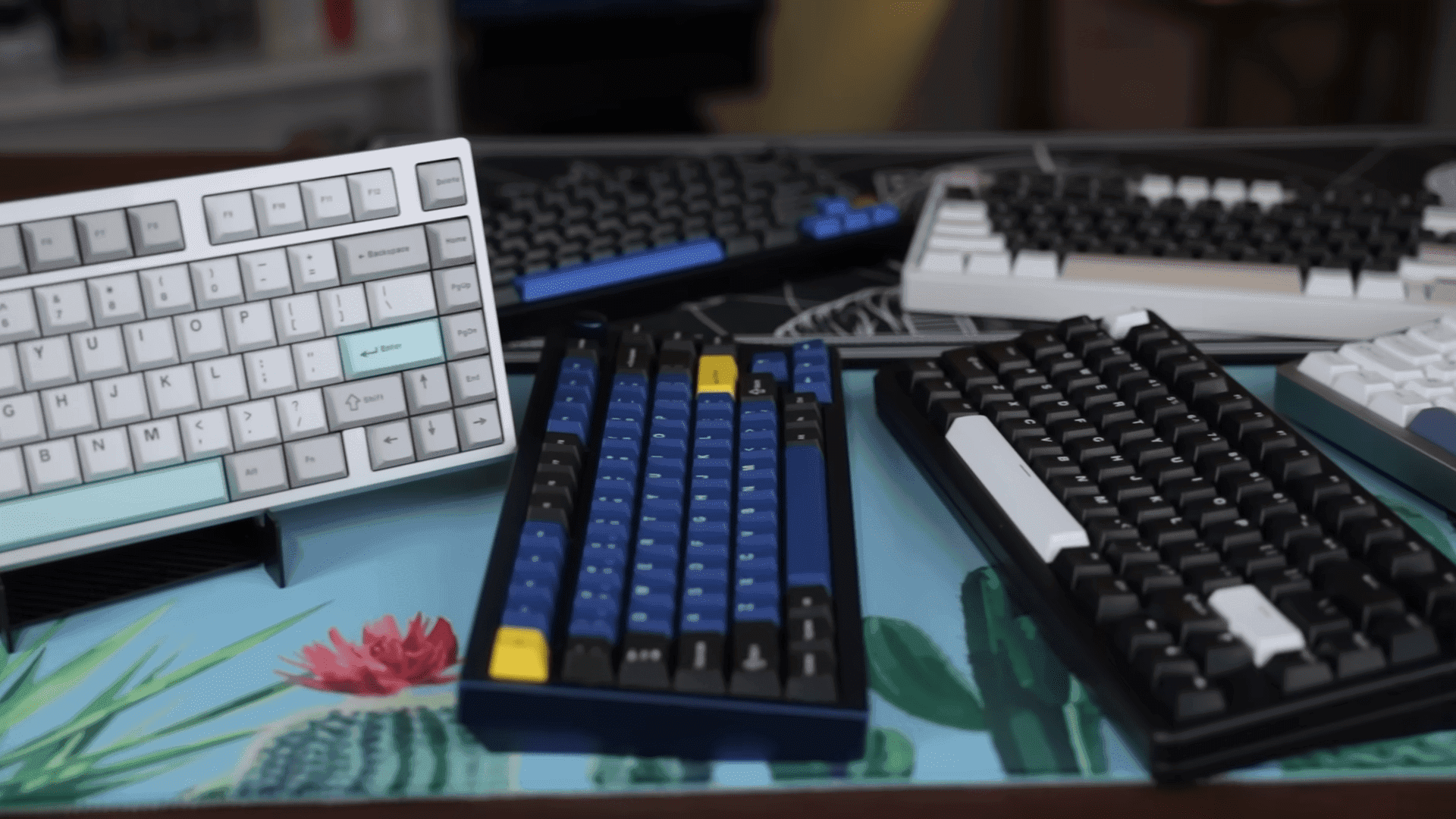
Replacing keycaps is the fastest, most visible upgrade. Choose sets made from PBT and prefer double-shot or dye-sublimated legends for durability and long-lasting texture. Pay attention to profile compatibility and legend placement so the new set fits your layout and typing posture. New keycaps change feel and sound immediately and are an easy way to refresh aesthetics without touching the switches.
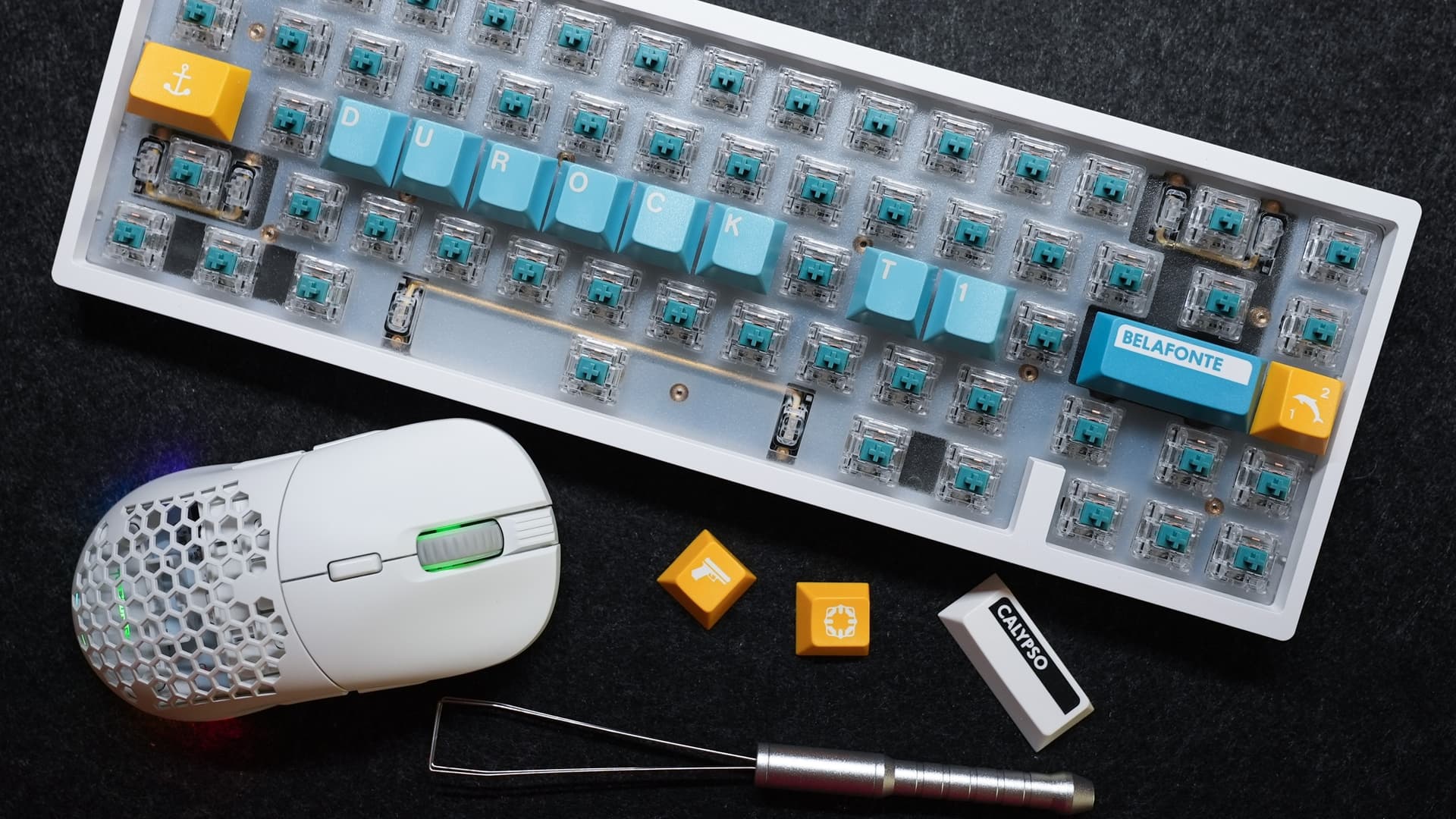
Upgrading switches is the most direct way to tune typing resistance and sound. If your board has hot-swap sockets, you can experiment freely with linear, tactile, and clicky switches to find a profile you prefer. For soldered PCBs, assess whether you have soldering experience before attempting swaps; replacing soldered switches involves desoldering and resoldering and can void warranties or damage PCBs if done incorrectly.
Custom cables and desk aesthetics are a small but meaningful change. A coiled cable or a color-matched braided cable elevates the visual coherence of a setup and reduces cable clutter. Confirm that your keyboard uses a detachable cable and check USB-C compatibility before buying to avoid misfits. A well-chosen cable is low risk and instantly improves the look of your workspace.
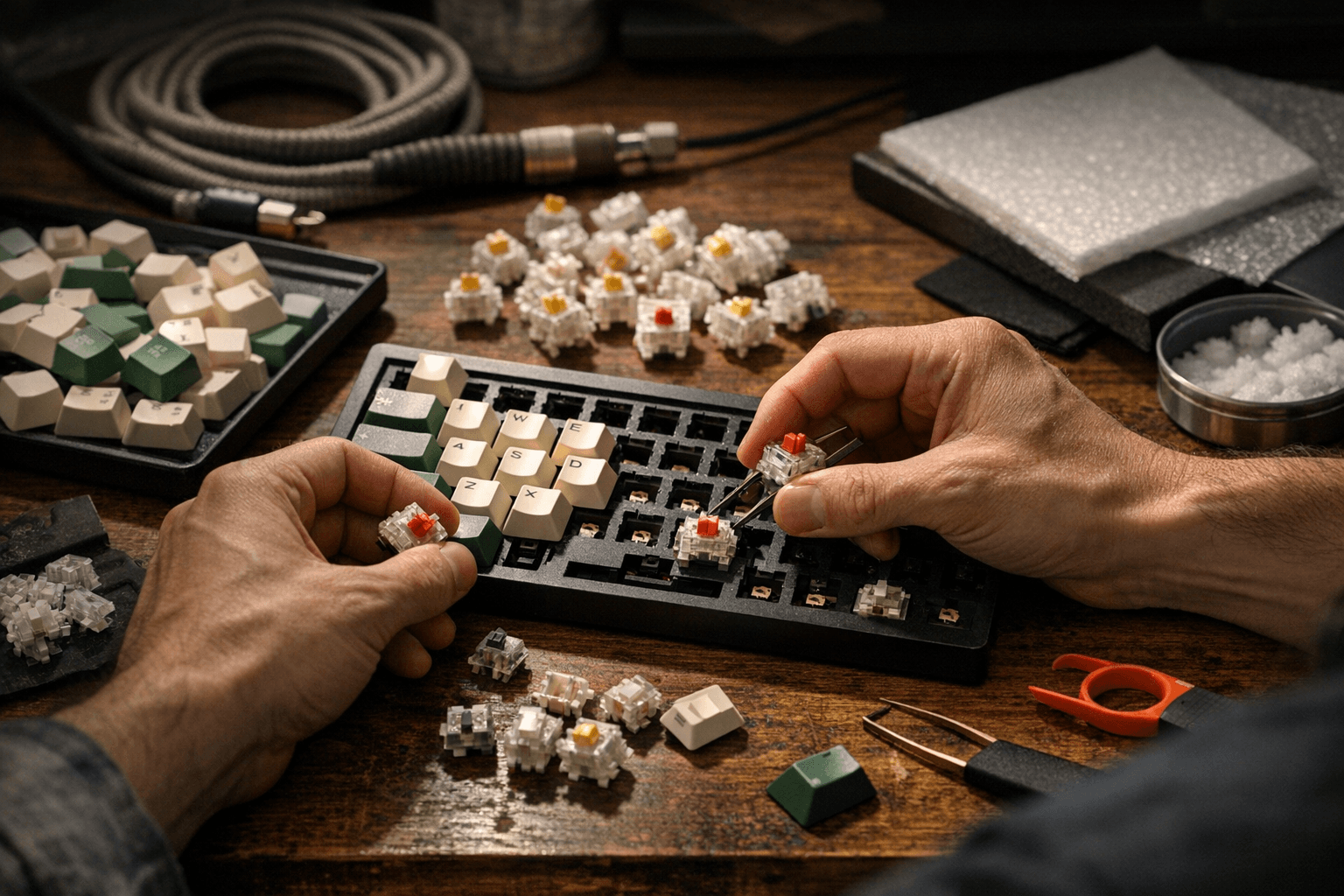
Dampening mods target the keyboard’s sound profile. O-rings are a simple, reversible option that reduce travel slightly and soften the bottom-out sound. Internal dampening using foam between the PCB and case and lubing stabilizers and switches address rattle and harshness more effectively; lubing stabilizers and switches typically provides the largest improvement in acoustics and feel but requires patience and basic tools.
For many users, begin with keycaps and O-rings to gain immediate, low-risk improvements. Move to switch swaps if you have a hot-swap board and to lubing or foam dampening when you want more refined acoustics. These mods keep the hobby accessible: they improve day-to-day typing, help personalize setups, and create tangible community conversation points around sound profiles and build techniques. Verify compatibility before purchasing parts and take your time with technique to get the most satisfying results.
Sources:
Know something we missed? Have a correction or additional information?
Submit a Tip