HHKB Studio Brings Pointing Stick and Silent Linear Switches
On December 14, 2025 a hands on review of PFU's HHKB Studio highlighted a modern Happy Hacking Keyboard variant that swaps Topre for silent linear mechanical switches made by Chosfox, and adds an integrated pointing stick, gesture pads, and reprogrammable mouse buttons. The review found these additions cut trips to the mouse for scrolling, timeline scrubbing, and app switching, while Bluetooth auto sleep and AA battery choices introduced a reconnect delay trade off.
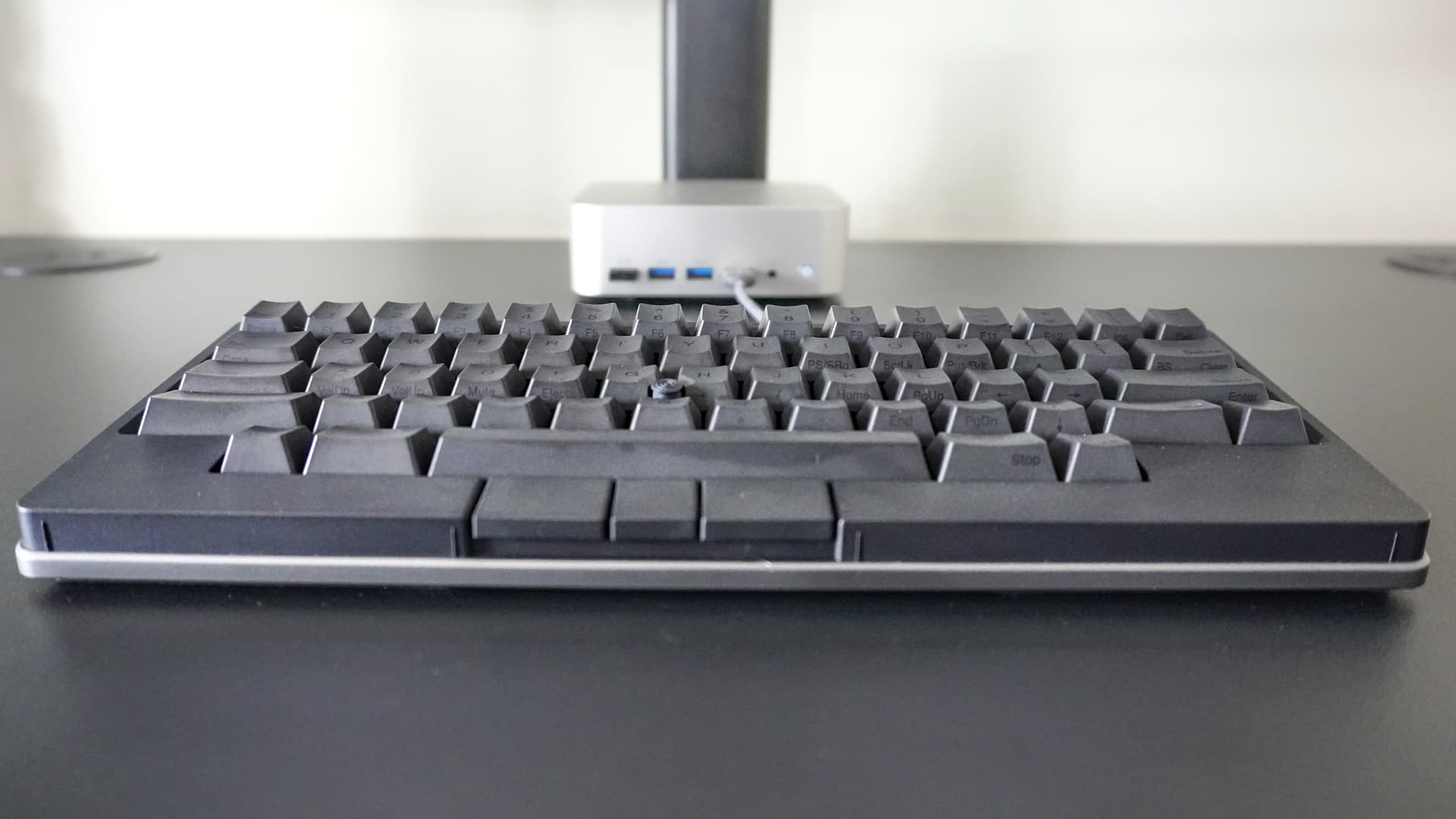
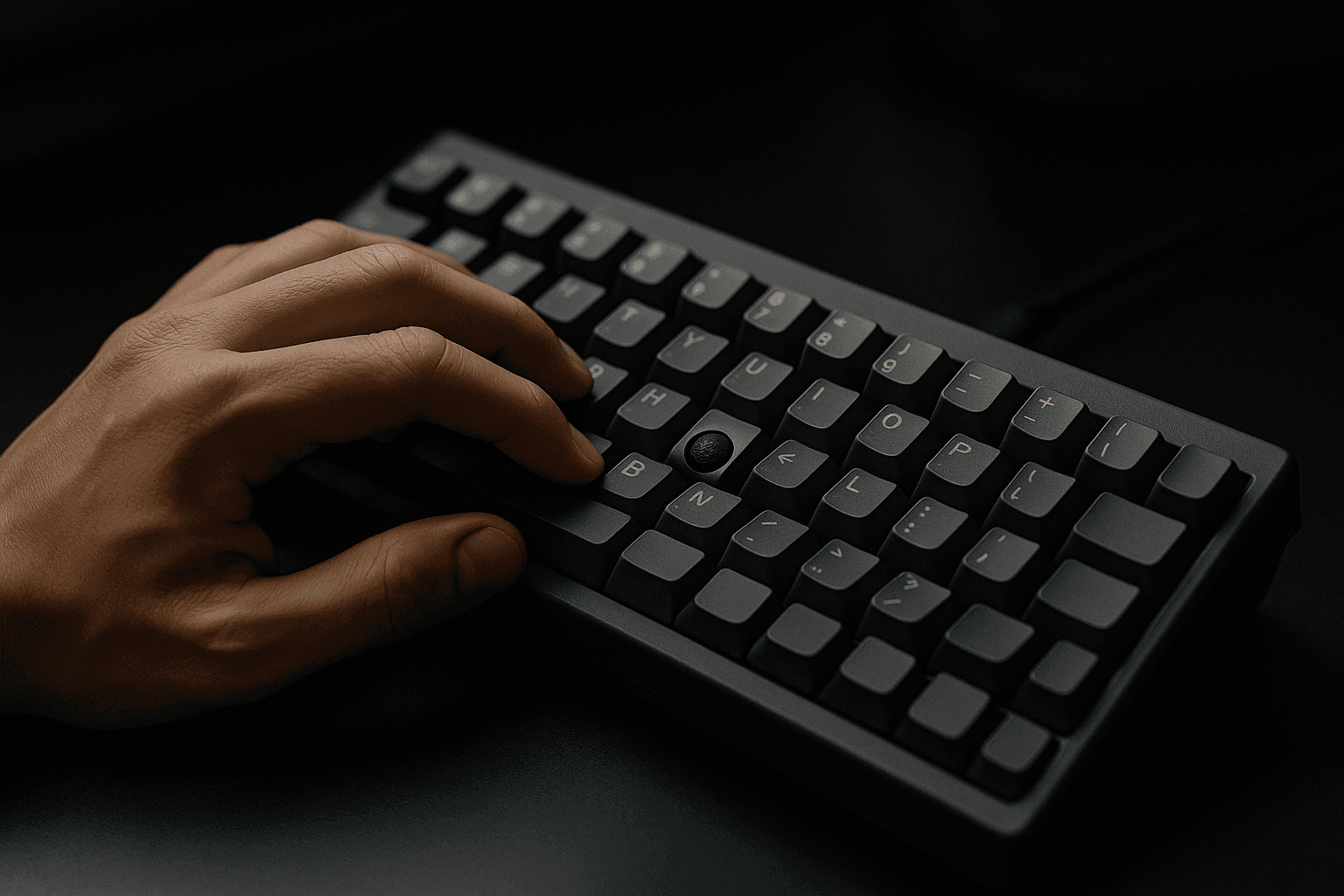
PFU's HHKB Studio arrived as a distinctly keyboard first take on desktop pointing, pairing the layout fans expect with hardware aimed at reducing reliance on a separate mouse. The Studio replaces Topre with silent linear mechanical switches manufactured by Chosfox, and integrates a pointing stick in the keyboard body alongside gesture pads and programmable mouse buttons. After months of daily use the reviewer reported a meaningful reduction in the number of times they reached for a mouse for common tasks.
The most immediate effect was on workflow cadence. The pointing nub and gesture pads materially reduced trips to the mouse for scrolling, timeline scrubbing, and app switching. The reviewer said the Studio did not fully replace a dedicated trackball for precision work, but it came very close and supported a streamlined keyboard first workflow that keeps hands on the home row more often. A learning curve remains because the HHKB uses a nonstandard layout that requires adaptation for users coming from full size or conventional compact keyboards.
Battery and connectivity choices shaped the trade offs. The Studio runs on AA batteries, which delivered long run time, and Bluetooth auto sleep conserved power. The consequence is a reconnect delay when waking the keyboard, unless the user keeps a cable plugged in for instant reconnection. That behavior is a practical consideration for anyone who switches frequently between machines or needs immediate input after a sleep period.
Customization and control are handled through the HHKB Keymap Tools app, which enables remapping keys and configuring the gesture pads and mouse buttons to match individual workflows. Verify key assignments in the app for timeline and window management tasks to make the most of the integrated pointing features. For readers focused on reducing desk clutter or minimizing hand travel, the Studio offers a compelling middle ground between full pointing devices and purely keyboard driven navigation. If absolute pointer precision is essential, keep a dedicated mouse or trackball available as a complement rather than an afterthought.
Sources:
Know something we missed? Have a correction or additional information?
Submit a Tip