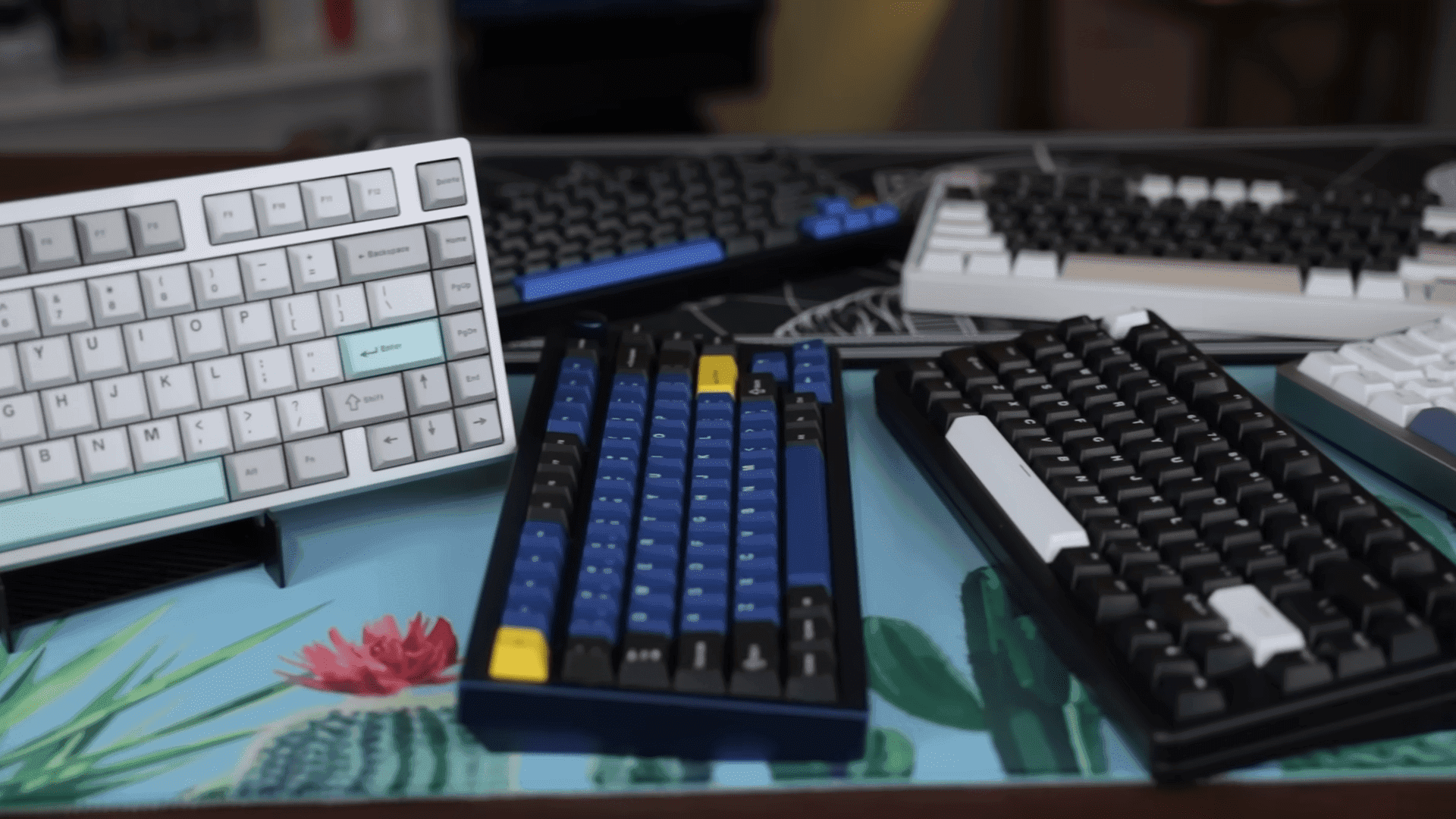
How to Lubricate Mechanical Switches for Cleaner Sound and Feel
A practical how-to lays out step-by-step techniques for preparing, disassembling, lubricating, and reassembling mechanical switches to improve sound and feel. The guide explains which lubricants and tools to use, where and how much to apply for linear, tactile, and clicky switches, and how to test and troubleshoot results to avoid deadening tactility.

Builders and modders seeking smoother keystrokes and reduced noise now have a clear, practical workflow for switch lubrication that emphasizes restraint, safety, and measurable outcomes. The process begins with gathering switch-specific greases and oils, a switch opener, fine brushes, tweezers, and optional switch films. Testing a small sample first is critical; over-lubrication deadens tactility and masks the character of a switch.
Preparation and disassembly are straightforward when done deliberately. Remove switches from the board, use a switch opener to split housings safely, and keep small parts organized to avoid mixing stems, springs, and housings. Clean any factory residue before lubricating; dust and old lubricants will affect adhesion and feel. Note the orientation of springs and stems as you disassemble so reassembly restores original alignment.
Lubrication technique varies by switch type. For linear switches, apply light grease to the stem rails and a drop of oil to the spring to reduce ping without softening the travel excessively. Tactile switches benefit from a careful, sparing application to the stem rails while avoiding the tactile bump mechanism; the goal is to preserve tactility while smoothing transitions. For clicky switches, do not lube the click leaf unless you intend to silence the click, because lubing it removes the defining auditory feedback. Across all types, use fine brushes and small amounts of lubricant; thin, even layers on rails and a light coat on springs deliver the best balance between smoothness and responsiveness.
Installing switch films to reduce housing wobble is a complementary mod that improves consistency across a keyboard. Films sit between top and bottom housings and stabilize stems so lubrication effects feel more uniform. Reassemble with attention to spring orientation and stem alignment to avoid binding and uneven travel.
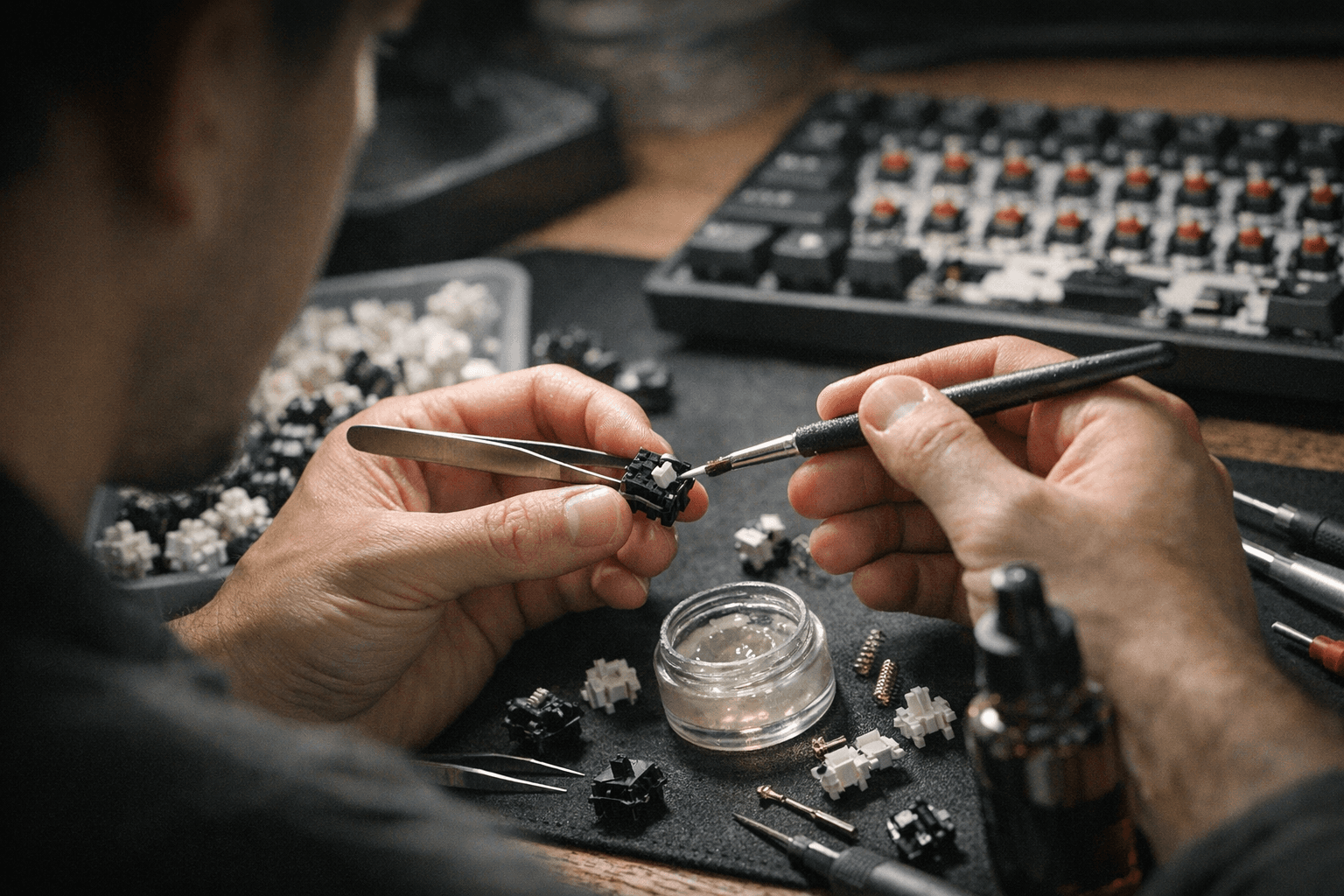
Testing and troubleshooting belong at the top of the workflow. Press each lubricated switch several times, listening for stiction or uneven feel. Stiction usually indicates too much lubricant or uneven application; remove excess lubricant and re-test. Uneven feel often points to misaligned stems, mixed springs, or missing films. Sonic outcomes vary by lubricant: some greases emphasize a deeper, muted sound while lighter oils preserve higher frequency click and snap. Experiment with small batches to match sound and feel to your preference.
This clear procedure puts control back in the hands of builders. By starting small, using the right tools, and applying lubricant precisely to stem rails and springs, you can tailor the sonic and tactile profile of switches without sacrificing their defining characteristics.
Sources:
Know something we missed? Have a correction or additional information?
Submit a Tip