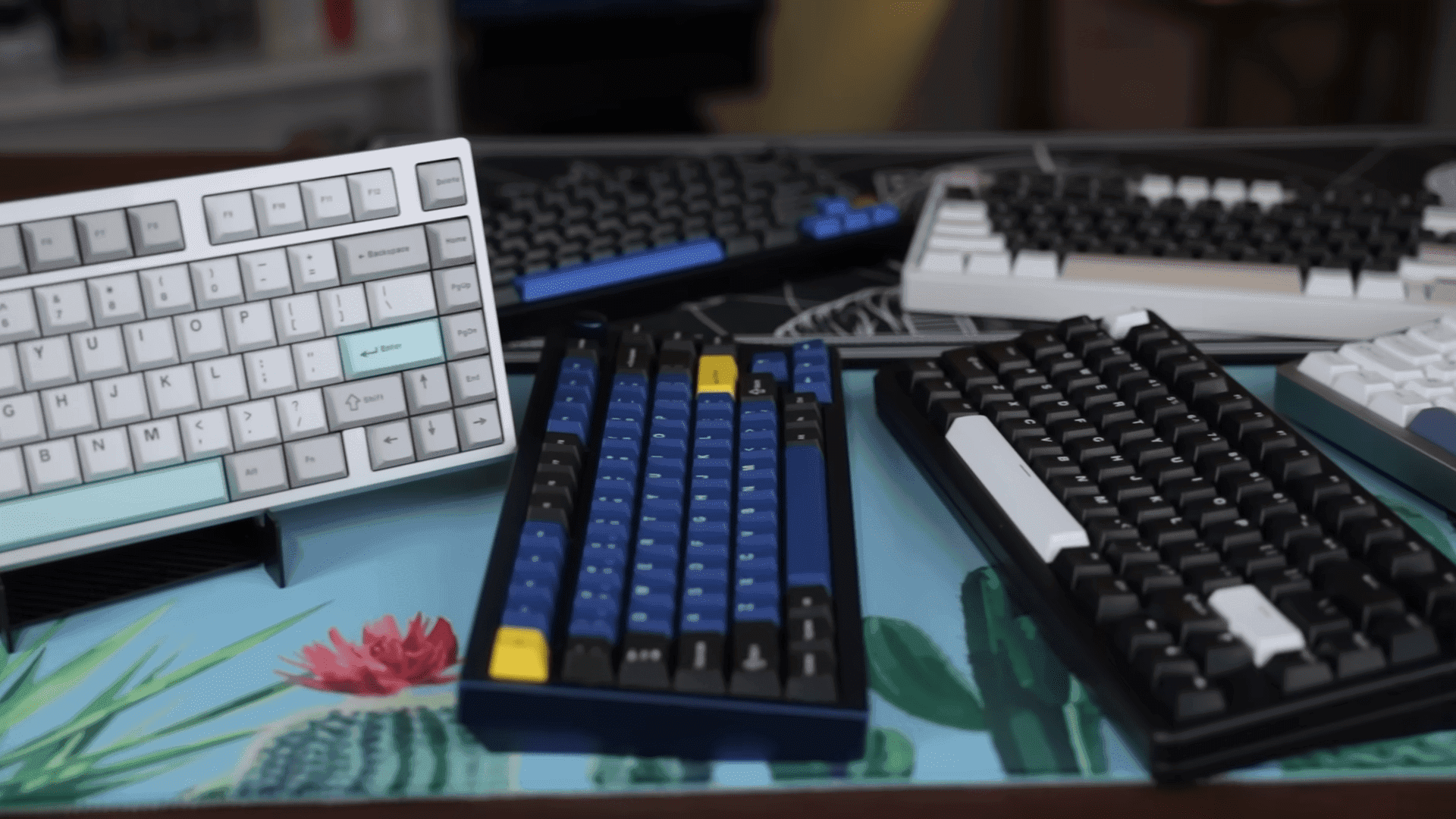
Mod Musings Releases Community Guide, Simplifying Mechanical Keyboard Builds
Mod Musings has published an in depth living guide that pulls together practical advice for newcomers and seasoned builders, covering keyboard anatomy, tooling, buying decisions, and a clear build checklist. The resource matters because it condenses community tested steps and common troubleshooting tips, helping readers plan budget, timeline, and achieve the desired typing profile without common rookie mistakes.
Mod Musings presents a community oriented guide designed to demystify mechanical keyboard building and maintenance. The resource aggregates practical recommendations on tools, parts selection, and a step by step build checklist so you know what to buy and what to do first. The guide is positioned as a living document, updated with links to creator videos, sound tests, and firmware tutorials to support ongoing learning.
The guide begins with keyboard anatomy and buying advice, so you can match case, PCB, plate, switches, and keycaps to a target typing profile. It emphasizes planning your budget and timeline up front, and thinking about sound, feel, and layout choices before ordering parts. Practical check points include verifying PCB functionality and confirming plate and case mounting compatibility. The guide highlights common rookie pitfalls and how to avoid them, which can save both money and time.
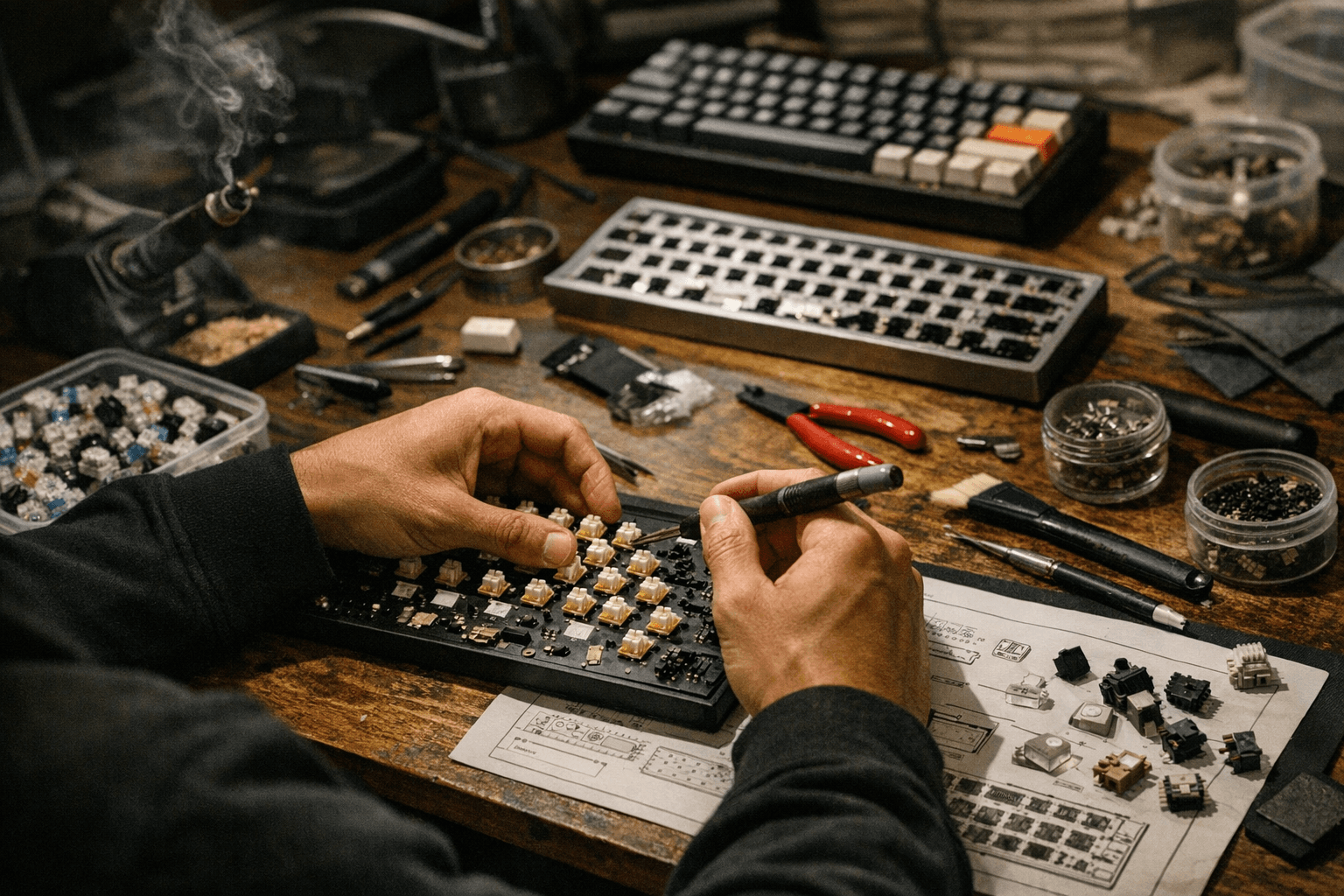
Tool recommendations are concrete and community vetted. Keycap and switch pullers, a set of precision screwdrivers, and small brushes for applying lubricants are listed as essential. The guide stresses testing the PCB early, and checking each switch and key before committing to soldering. Stabilizer tuning receives focused attention as a core mod that affects feel and noise. Typical stabilizer work is explained along with other common modifications builders perform to refine sound and key travel.
A clear build order is provided to keep projects on track. Start by testing the PCB, then lube and tune stabilizers, mount and solder switches, apply sound oriented modifications, and finish with final assembly and thorough testing. Each step is described with practical tips, for example how to stage work to reduce rework and how to prioritize mods that produce the biggest improvement in typing experience.
Beyond stepwise instructions, the guide connects readers to community resources including video walkthroughs, comparative sound tests, and firmware flashing tutorials so you can move from assembly to customization confidently. Treat the guide as an active checklist when planning a project, and use the referenced resources to refine technique. The result is a lower barrier to entry, fewer wasted parts, and a clearer path to the keyboard you want to build.
Sources:
Know something we missed? Have a correction or additional information?
Submit a Tip