Vinton County Clerk expands access with online docket search
The Vinton County Clerk of Courts offers online docket searches and public access to court services, making records and filing procedures easier for residents.
The Vinton County Clerk of Courts is providing clearer public access to court-related services through its online docket search and detailed guidance on filing procedures, fees, and public-record rules. The office’s online resources explain how to search electronic court records, list common filing fees and payment options, and link to state agencies that local residents often need.
Automation of court records in Vinton County began on Jan. 1, 1998, a milestone the Clerk’s office notes as the starting point for its electronic docket. That history matters for anyone tracing older cases or seeking continuity between paper archives and digital entries. For contemporary users, the CourtView docket tools allow quick checks of case status, filings, and scheduled hearings for the Common Pleas Clerk of Courts.
Practical details on the office page include examples of filing fees such as new civil case filing and other routine charges, along with the payment methods accepted. The page also outlines public-record disclaimers and local court rules, helping residents understand what is available online and what may still require in-person requests or formal procedures. Helpful links connect users to state services including the Ohio BMV, Ohio Treasurer, and the Auditor of State for matters that intersect with court records.
Local lawyers, small business owners, title companies, journalists, and families involved in civil or probate matters will find the availability of online dockets particularly useful. Having fee schedules and filing guidance online reduces phone calls and courthouse trips, and it standardizes expectations for how a case moves through the Common Pleas system. For those researching family histories or lengthy land disputes, knowing that the county began automating records in 1998 clarifies why some older records appear only in paper form.
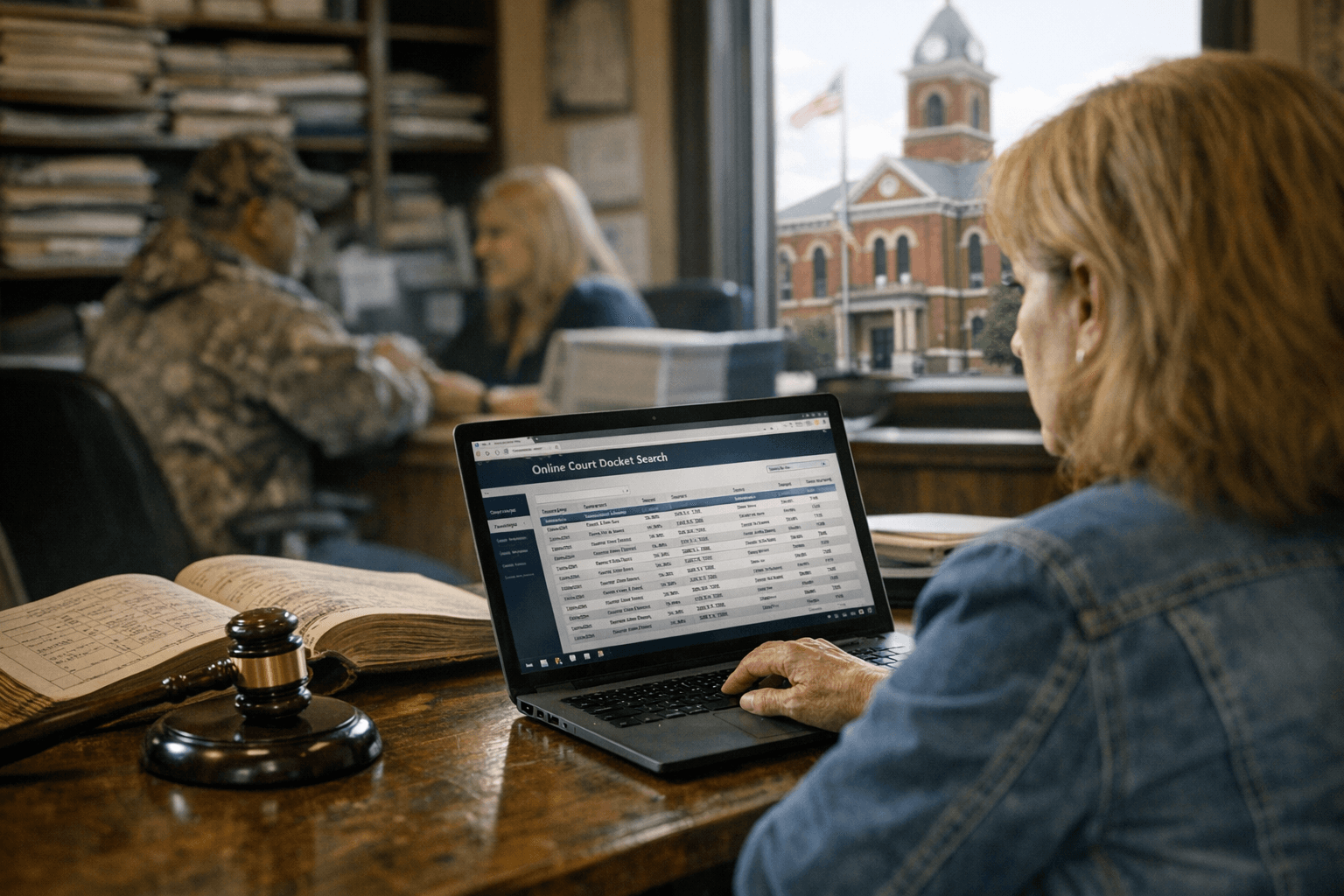
To request records or confirm procedural details, use the Clerk’s contact phone number or the online CourtView/docket tools on the office page. Calling the Clerk’s office before filing can prevent mistakes, save money, and shorten the time needed to complete paperwork. Keep in mind that certain records carry public-record disclaimers and may be restricted under Ohio law or local court rules.
The takeaway? Treat the Clerk’s online tools as your first stop for case information and filing basics, but pick up the phone when you need confirmation. Our two cents? Check the CourtView docket before you make a trip downtown, verify the current fee for your filing, and call the Clerk’s office to avoid surprises.
Sources:
Know something we missed? Have a correction or additional information?
Submit a Tip