Choosing Mechanical Switches, A Practical Guide for Typing and Gaming
This long form guide explains mechanical switch categories, typical force and actuation specs, and examples from major makers such as Cherry, Razer, Roccat and Bloody, so you can match switches to use case. It highlights trade offs like hysteresis, actuation distance and sound profile, and lays out how to choose between speed oriented linear switches, balanced tactile options, and noisy clicky types.
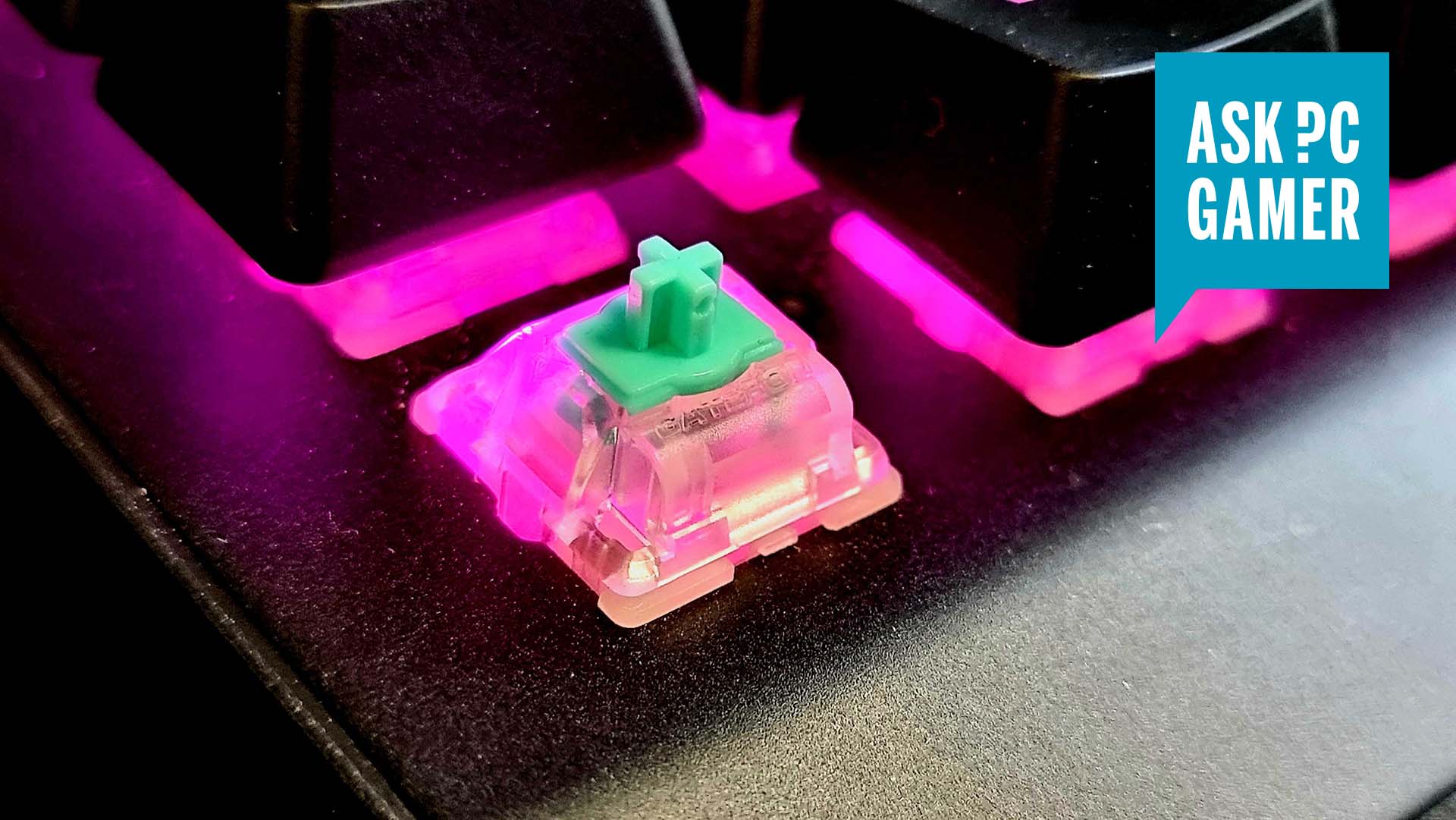
Mechanical keyboard switches are the most direct way to change how a keyboard feels and performs. This guide sorts switches into the three familiar categories, explains what each offers, and points out the real world trade offs that matter when you type, play or build.
Linear switches deliver a smooth, consistent travel with no tactile bump or click, making them the common choice for speed oriented gaming because they minimize interruption during fast presses. Tactile switches provide a deliberate bump that signals actuation, a middle ground well suited to mixed use where typing feedback matters without loud clicks. Clicky switches add an audible click on top of tactile sensation, appealing to typists who value clear feedback but producing a louder sound profile that can be distracting in shared spaces.
Beyond these broad types, the guide covers optical and hybrid actuation systems, and manufacturer specific variants from Cherry, Razer, Roccat and Bloody, so you can compare legacy mechanical designs with newer optical solutions. It also explains technical factors that influence real world feel, including hysteresis, actuation distance and sound profile. These elements govern repeatability, how early a key registers, and how noticeable each press sounds, and they often explain why two switches with similar labels can behave very differently.

For practical decisions, start by defining your primary use case. Choose speed oriented linear switches for competitive gaming, balanced tactile options for a combination of typing comfort and play, and clicky switches if audible feedback is central to your typing experience. Consider optical or hybrid options if you want alternative actuation behavior, and weigh manufacturer specific variants for availability and ecosystem support.
Test switches in person when possible, or use a switch tester and sample keycaps to evaluate travel feel and sound on a keyboard similar to your own. Pay attention to stabilizers, lubrication and keycap profile as they influence the final experience. With these facts and trade offs in mind, you can match switches to your priorities, whether you are optimizing for typing comfort, competitive performance or a custom build that reflects your personal style.
Sources:
Know something we missed? Have a correction or additional information?
Submit a Tip