Mechanical Switches Explained, Choose the Right Switch for You
A concise primer covers how mechanical switches work, the practical differences between linear, tactile, and clicky families, and clear decision advice for gamers, typists, and heavy users. The piece also explains noise, actuation force, spring choices, and basic maintenance including removal and lubrication so you can evaluate pre lubed or unlubed options with confidence.
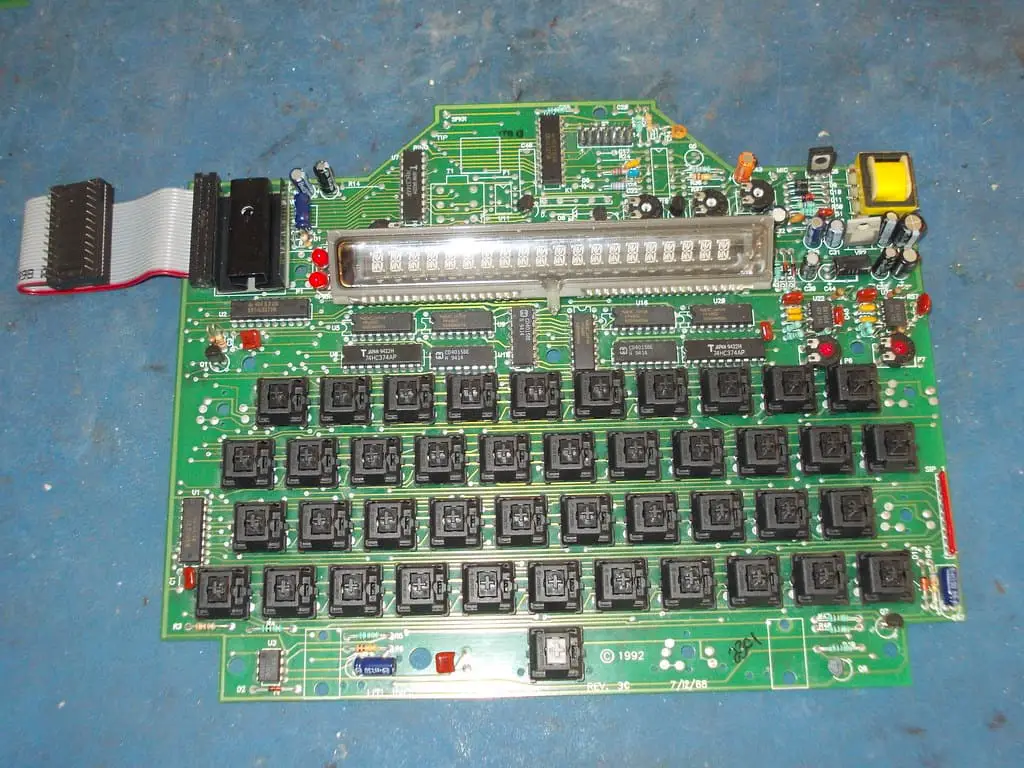
Mechanical keyboard switches boil down to three physical parts, and understanding them makes choosing the right switch far easier. The housing encloses the mechanism, the stem is the moving part that your finger contacts, and the spring sets how much force is required to press the switch. Those three elements determine feel, sound, and long term durability.
Switch families fall into three broad categories. Linear switches move smoothly with no tactile feedback. Tactile switches give a noticeable bump when the actuation point passes, so you can feel each register without bottoming out. Clicky switches add an audible element on top of the tactile bump, producing a pronounced click. Those differences are the fastest way to narrow your options based on use case.
For gamers, prioritize low and consistent actuation force and rapid return to maximize responsiveness and reduce fatigue. Typists often value a pronounced tactile bump to improve accuracy and reduce over pressing. Heavy users who type for long sessions may prefer springs and housings that balance resistance and comfort to prevent strain over time. Consider trying testers or switch top plates to confirm how a switch behaves under real typing or gaming conditions.
Noise and actuation force matter for both comfort and room mates. Clicky switches are the loudest, tactile switches sit in the middle, and linear switches are typically the quietest. Lighter springs reduce the force needed to press keys, which can speed up input but increase accidental key presses. Heavier springs raise the actuation force, providing more deliberate feedback for heavy hands or for users who bottom out frequently.
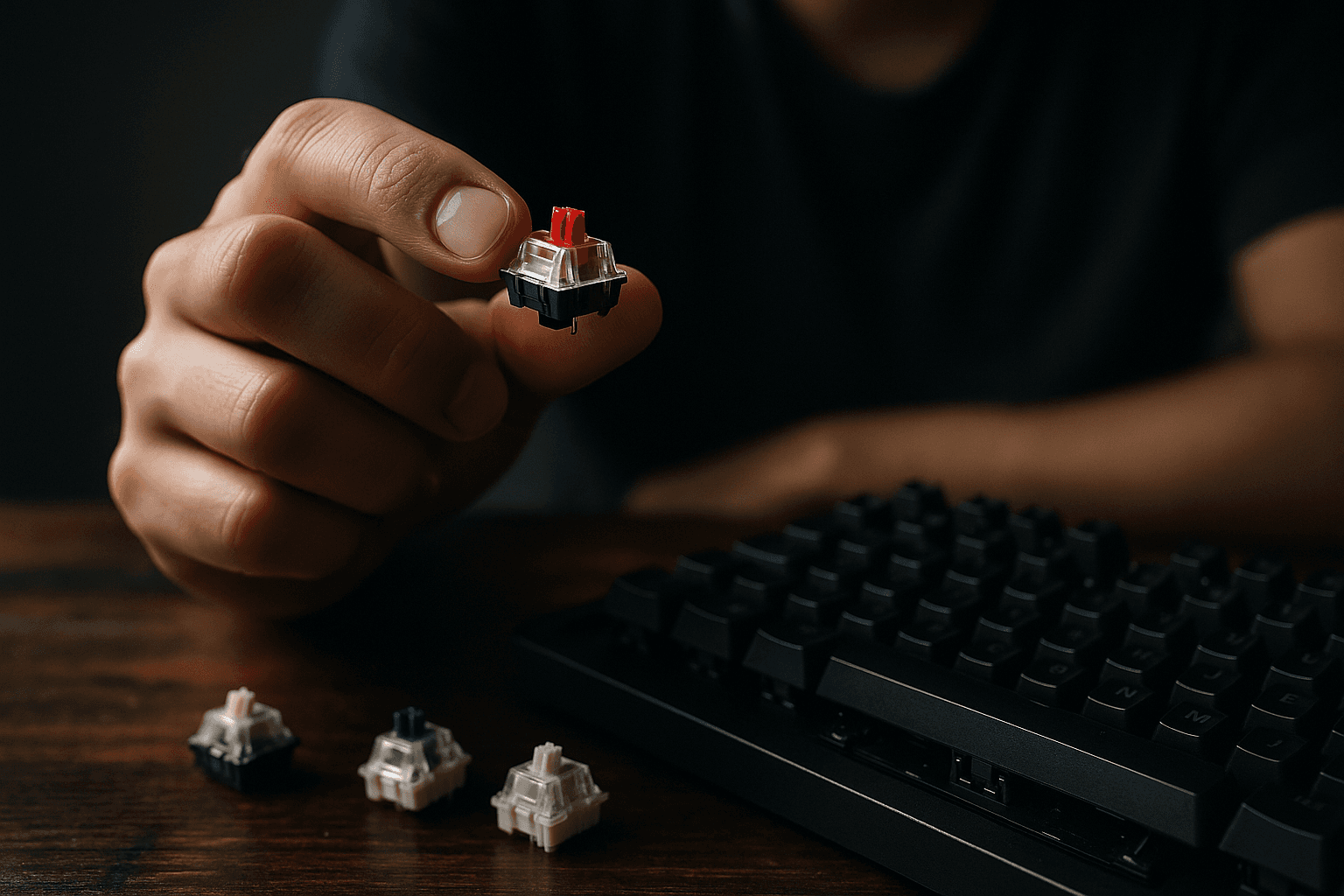
Decide whether to buy pre lubed switches or unlubed options based on how much customization you want. Pre lubed switches save time and often eliminate higher frequency rattle. Unlubed switches let you choose lubricants and spring swaps to tune smoothness and sound, but require work. Basic maintenance starts with removing keycaps, taking out switches if the board allows it, opening housings, and applying a thin, consistent lubricant to sliders and springs. Reassemble carefully and test each switch for smooth travel and correct actuation.
These practical points help you evaluate switch families and the trade offs between out of the box convenience and hands on customization. Choose by feel, confirm by testing, and maintain switches periodically to keep a keyboard sounding and performing its best.
Sources:
Know something we missed? Have a correction or additional information?
Submit a Tip