Multi-Color FFF Printing Primer: Choose the Right Architecture
Multi-color and multi-material FFF printing now splits across several competing architectures, each with clear tradeoffs in cost, waste, reliability, and complexity. This guide explains the practical differences between single-nozzle swappers, automatic multi-spool systems, multiple dedicated toolheads, and color-mixing approaches so you can pick the best path for your needs.
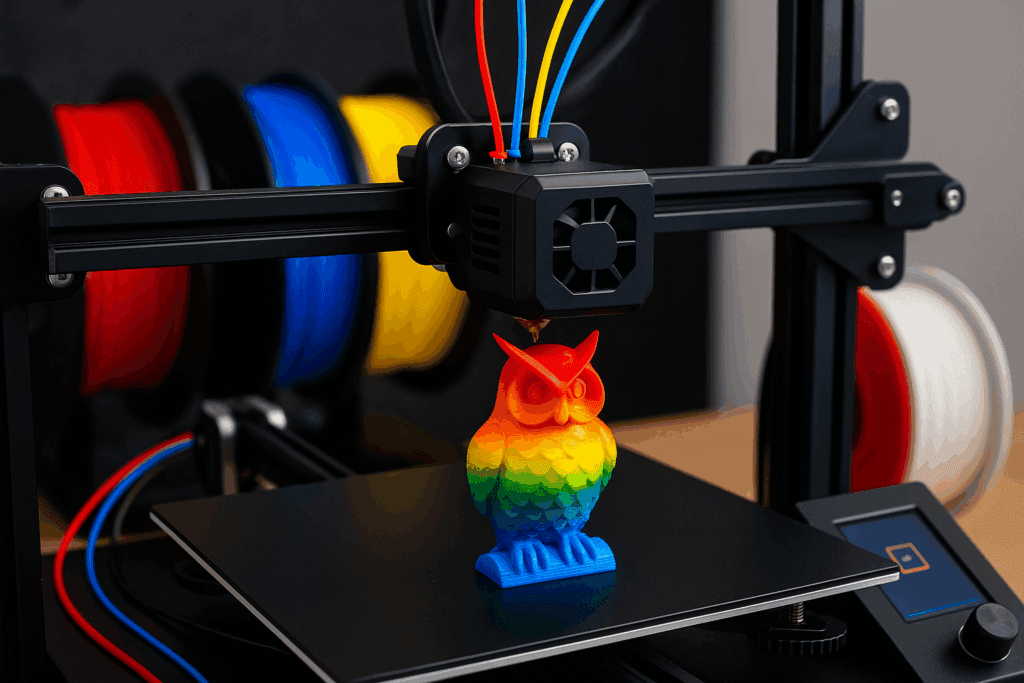
Multi-color 3D printing options have matured but remain diverse, and choosing the right architecture changes print time, material waste, and maintenance. At one end are single-nozzle filament swappers, known from MMU-style designs. These systems are compact and low cost, but switching colors requires heavy purging of the hotend, which produces filament waste and adds extra print time. They are also more sensitive to clogging and to friction along the filament path, so plan for occasional feeding issues and keep spare nozzles and cleanup tools on hand.
Automatic multi-spool systems, the Bambu-style AMS approach, aim for a more polished user experience. These systems handle spools and change filament automatically and are built to be reliable in everyday use. Expect better user automation and less manual handling, but do not assume purging disappears; many AMS setups still rely on purging strategies and add cost and mechanical complexity compared with simple swappers.
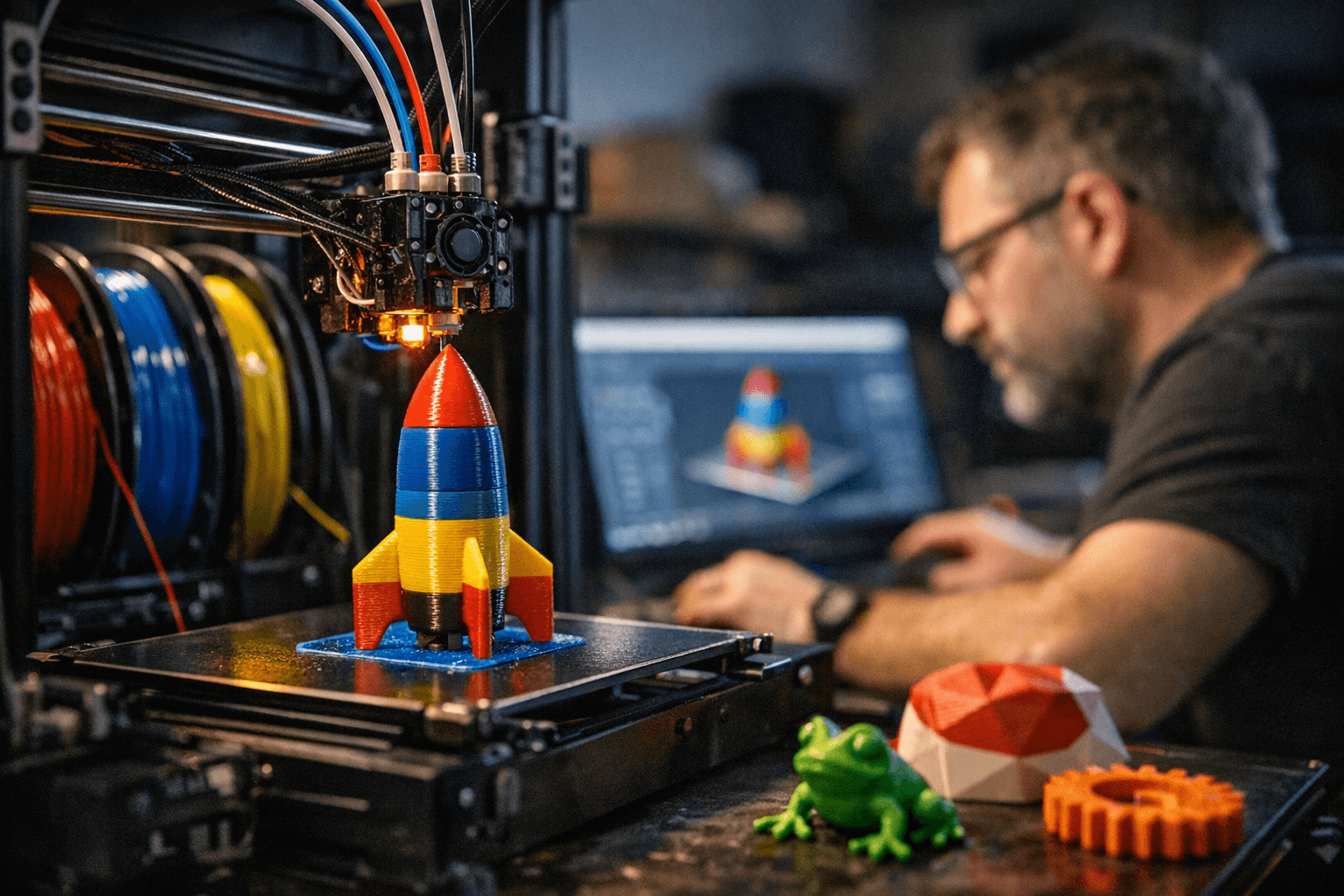
An alternative that eliminates purging is multiple dedicated toolheads: bedslinger and stationary-toolhead designs such as Quadro-style arrays or the Snapmaker U1 approach assign each color its own nozzle. The practical payoff is minimal waste and better color fidelity, since no blended or purged filament contaminates color transitions. The tradeoffs are real: toolhead arrays increase the printer's mechanical envelope, require careful head alignment and calibration, and can occlude build volume unless designs include parking bays or other mitigation. Expect more maintenance work when swapping or servicing nozzles and plan for calibration time whenever you add or adjust a head.
Palette-style filament combiners and color-mixing systems, along with resin color blending for SLA, represent a different set of compromises. Palette systems blend filament segments to create color transitions, and resin mixers introduce color into a fundamentally different printing process; both offer creative control but affect print speed and limit material choices compared with direct multi-toolhead extrusion.
Practical checklist: choose based on priorities—low cost and compact footprint: single-nozzle swapper; low waste and operational reliability: multi-toolhead array or AMS; finest color control: toolhead arrays. Test small prints before committing to long runs. Verify firmware and slicer support plus flow control for multiple extruders. Plan routine maintenance for alignment and nozzle swaps, and budget filament for purges during trials. With those factors clear, you can match a multi-color approach to your workshop, budget, and creative goals.
Know something we missed? Have a correction or additional information?
Submit a Tip