PLA or PETG: Choosing the Right Filament for Your Prints
This practical comparison explains the strengths, weaknesses, and print settings for PLA and PETG so you can match material to purpose. Understanding these differences saves time, reduces failed prints, and helps get the surface quality or strength your projects require.
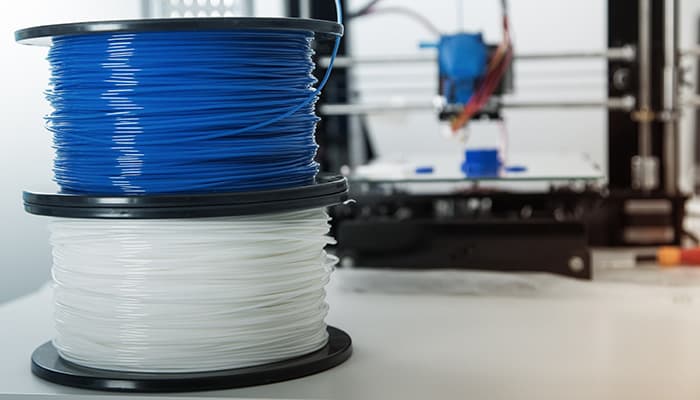
Start with PLA when you are learning a printer or chasing fine surface detail, and move to PETG when parts must survive impact, moisture, or outdoor exposure. PLA prints easily with low warping and excellent surface finish, making it the sensible first material for models, miniatures, and decorative pieces. Typical PLA settings sit in the 190–220°C nozzle range with bed temperatures from 0–60°C (often optional), print speeds between 50 and 150 mm/s, and active part cooling enabled after the first few layers. Keep in mind PLA softens around 55–65°C and is generally more brittle than PETG, so appearance and detail are the trade-offs for lower mechanical toughness.
PETG brings toughness and chemical and moisture resistance, so choose it for functional parts, assemblies that need strength or flex, and outdoor use when you pick UV-stable grades. PETG typically prints at 230–250°C with a heated bed around 70–80°C. Print speeds are usually slower—60 mm/s or below—and part cooling is reduced to roughly 10–40% to preserve layer adhesion. Expect more stringing and stronger bed adhesion with PETG; common fixes include printing on PEI, applying a light glue stick layer, and tuning retraction settings to control oozing without inducing under-extrusion.
Practical workflow cuts waste. Start new users on PLA to learn extrusion behavior, bed leveling, and cooling effects. When moving to PETG, slow down, raise nozzle and bed temperatures within the recommended ranges, and dial back cooling. Dry filament when you see inconsistent extrusion, popping noises, or excessive stringing—moisture in filament causes brittle layers and poor surface quality. Before committing an expensive or long print, check the spool vendor’s recommended temperature ranges, then print a temperature tower and a retraction test to find the sweet spot for that specific filament and machine.
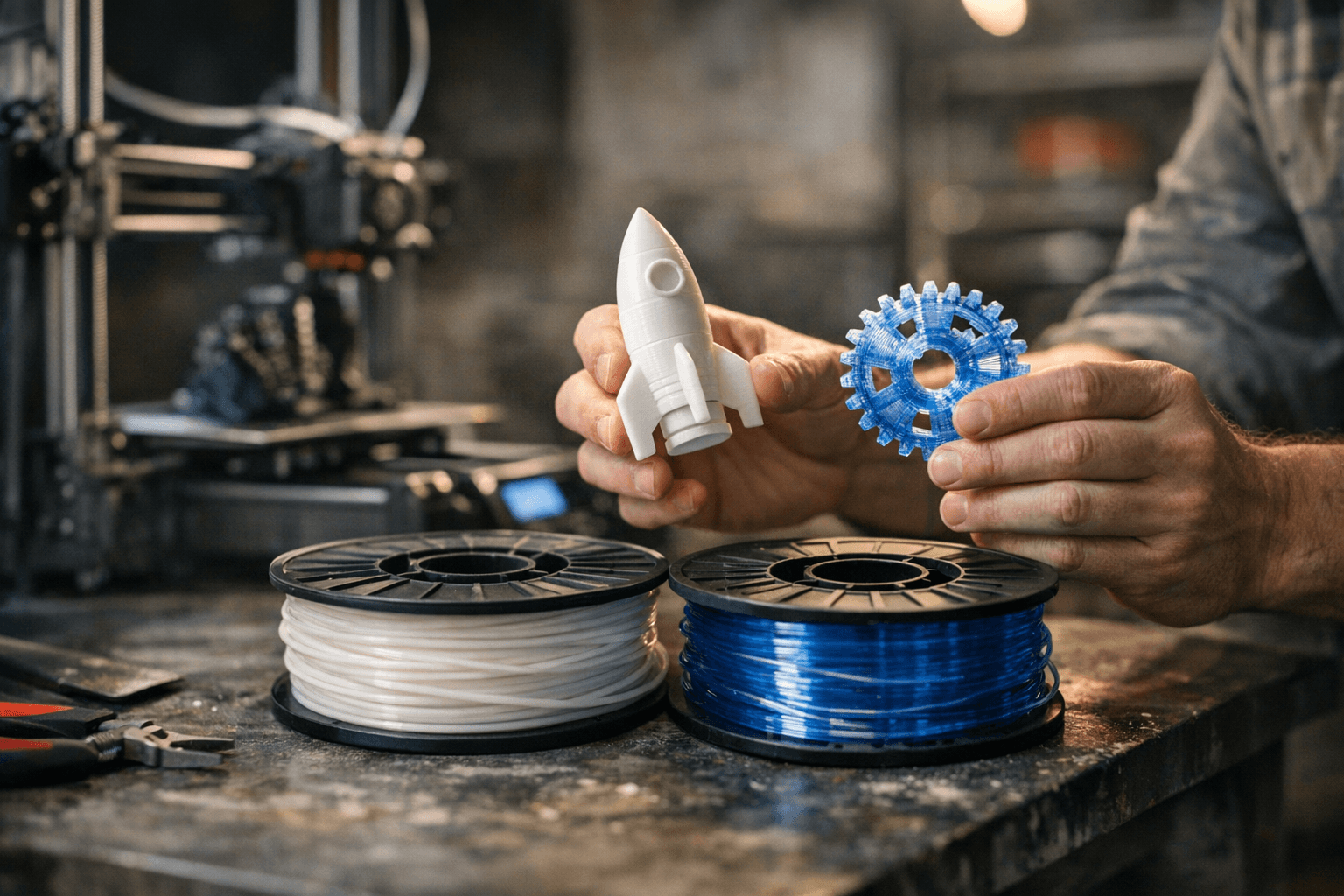
For edge cases such as food-contact parts or high-temperature engineering uses, consult manufacturer datasheets and community test results for safety and longevity data rather than relying on general rules. The local makerspace or user group can be a quick source of experience with particular spools and brands.
Match material selection to the job: prioritize PLA for detail and ease, PETG for strength and resilience. A small amount of testing up front saves hours of failed prints and keeps projects moving from prototype to usable part.
Sources:
Know something we missed? Have a correction or additional information?
Submit a Tip