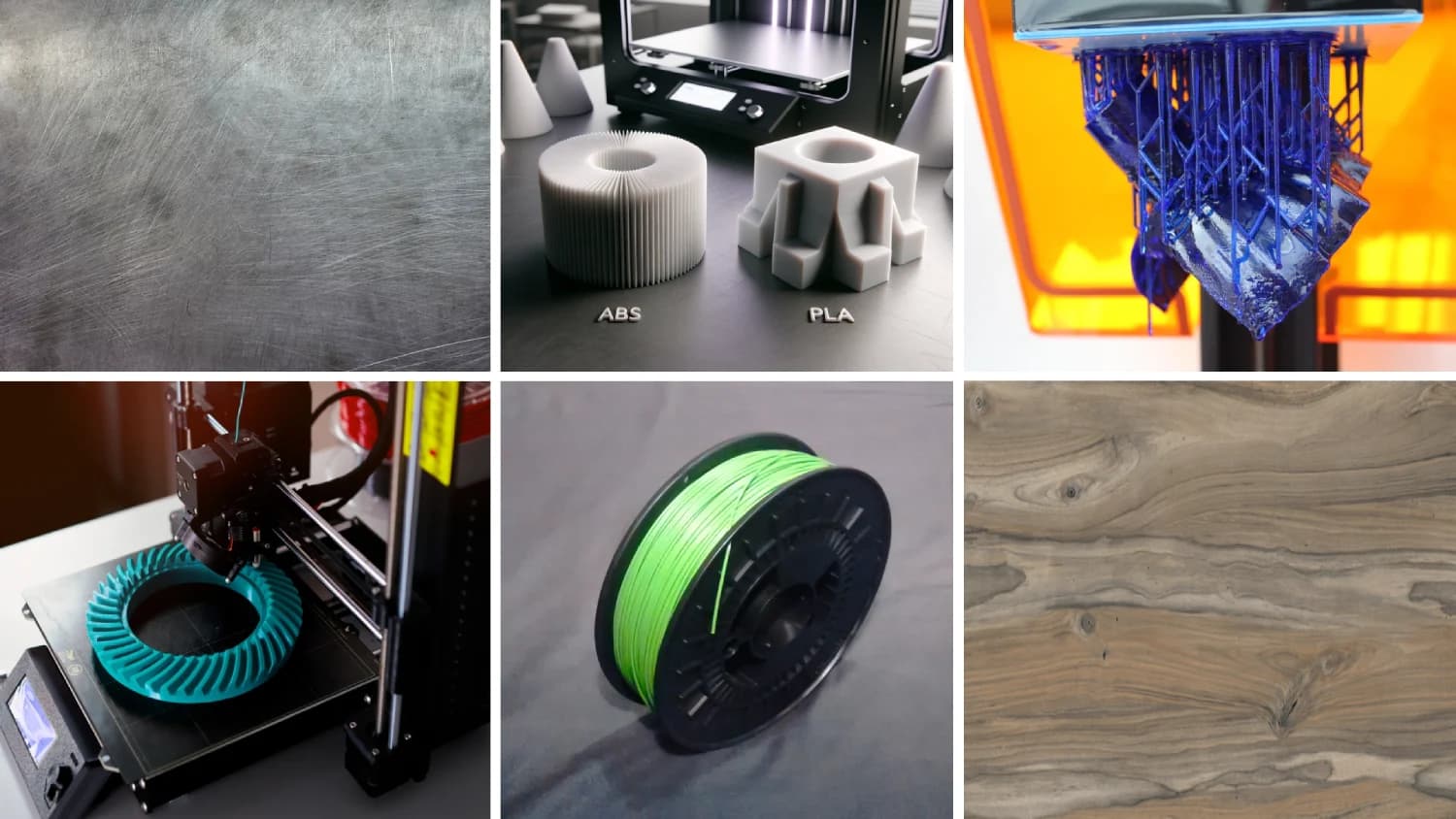
Prusa's buyer FAQ simplifies desktop FFF printing for new makers
Prusa centralizes practical how-to guidance for beginners, covering materials, setups, slicer presets, first prints and safety. It helps new makers choose gear and avoid common pitfalls.

For anyone stepping into desktop fused filament fabrication, Prusa provides a continually updated Knowledge Base and buyer's FAQ that lays out what to expect and how to get prints to work. The resource focuses on practical workflows—recommended setups, material choices, PrusaSlicer presets, basic first-print steps and calibration, and safety guidance for higher-temperature materials—so new users can move from box to reliable prints faster.
At its core the buyer's FAQ explains hardware and setup considerations that commonly trip up first builds. It covers recommended configurations for a desktop FFF printer and points readers to ready-made profiles and workflows in PrusaSlicer. That means less time guessing temperatures and retraction settings and more time dialing in bed adhesion and print quality. The page also links to Prusa Academy and Printables for profile downloads and learning modules, creating a clear path for skill progression.
Material choices are given focused treatment. The FAQ lays out differences between PLA, PETG and ABS and when to choose each filament, and it pairs those recommendations with practical setup notes. For higher-temperature materials it flags ventilation and enclosure needs so users can plan safe printing spaces and avoid odors or harmful emissions. The knowledge base is maintained as part of Prusa support, so the information is oriented toward helping new makers select equipment, complete their first successful prints, and find the right slicer settings without hunting through forums.
Practical value for the community is immediate: use the buyer's FAQ to pick a filament for the job, load a reliable PrusaSlicer preset, run the recommended first-print and follow the listed calibration steps. That reduces common frustrations like poor first-layer adhesion, stringing and dimensional inaccuracy. Because the resource is evergreen, profiles and workflows are updated alongside firmware and slicer changes, which keeps guidance current for owners who update their printers or experiment with new filaments.

This matters for local makerspaces, classroom programs and home users alike. Operators can point newcomers to a single, vendor-maintained resource to shorten onboarding and to standardize print settings across machines. Individual builders get a tested starting point for tuning a machine and a clear safety checklist for higher-temp plastics.
Find the buyer's FAQ and Knowledge Base at help.prusa3d.com/article/faq-extended-buyers-guide_123605. Use it as your baseline: apply the slicer presets, follow the first-print and calibration steps, and treat the ventilation recommendations as part of your print planning. With that foundation, expect fewer false starts and a smoother path from filament spool to finished part.
Sources:
Know something we missed? Have a correction or additional information?
Submit a Tip